
Walk-forward analysis: what walk-forward testing is and how it works
By Bec, futures trader and founder of Wildflower · Updated
Walk-forward analysis tests a strategy on history it hasn’t seen, again and again. You build and set your rules on one window of past prices, test them unchanged on the stretch just after it, then move both windows forward and repeat. Joined together, the test windows show how the rules did on prices they were never fitted to.
What walk-forward testing is, and why it’s called that
A Running a strategy’s exact rules over past prices to see which trades they would have taken.More in the glossary runs your rules over past prices. The risk is that you keep adjusting the rules until they suit that history perfectly, which is called Tuning a strategy’s rules so closely to one stretch of past prices that they describe that stretch’s quirks more than anything that carries on.More in the glossary. Read about overfitting.
One check is to split the history in two. You build and adjust your rules on the first part, called The part of the price history used to build and adjust a strategy’s rules. The part kept back to test them is out-of-sample.More in the glossary. Then you test them once, unchanged, on the part you kept back, called History kept back while a strategy’s rules are built, then used once to test the finished rules unchanged. The part used to build them is in-sample.More in the glossary. Read about in-sample and out-of-sample testing.
Building rules on one window of history, testing them on the stretch just after it, then moving both windows on and doing it again.More in the glossary does that split many times. Build on one window, test on the stretch just after it, then step both windows forward and do it again. The test walks forward through the history one window at a time, which is where the name comes from. Joined together, the test windows are a long stretch of results that were never used to set anything. You’ll also hear it called walk-forward analysis or walk-forward optimisation. They mean the same method.
How a walk-forward test works, step by step
Here’s a made-up example, using the made-up rule from the overfitting page: buy when a candle closes above the highest high of the last few candles, with a stop 2 points below the entry and a target 3 points above. The rule has one setting you choose: how many candles it looks back. It isn’t a strategy, only a way to show the method.
1. Build on the first window
The first 24 candles are the build window. Here you settle on a look-back of 3. On these candles it takes two trades.
2. Test on the next stretch
Run the same rule, unchanged, on the 10 candles after it. Here it takes one trade, which reaches its stop.
3. Move both windows on
Step forward 10 candles and do it again. In this round you settle on a look-back of 4, then test it on the next 10.
4. Join the test windows
After four rounds, the four test windows sit end to end. Together they hold four trades: two targets and two stops.
The look-back you settle on can change from round to round. In this example it’s 3, then 4, 4 and 3 again. How you choose it is your own rule, and many traders write that rule down before they start. The one thing that matters is that you choose using the build window alone.
Round 1’s build window had one target and one stop. Its test window had one stop. Neither tells you much on its own. With four trades in all, this made-up test has far too few to judge anything. A real one would run over much more history.
Rolling and anchored windows
Rolling. The build window keeps the same length and slides forward, so old prices drop out as new ones come in. Each round is built on the most recent stretch only.
Anchored. The build window always starts at the first candle and grows each round. Nothing is dropped, so later rounds are built on more history.
In both, the test windows are the same: each one starts straight after its build window ends, and they sit end to end. Which kind you use is your choice. There’s no single rule.
The choices you make before you start
A walk-forward test has a few settings of its own. Deciding them before you look at any results keeps the test honest:
- How long each build window is. Longer windows hold more trades to build on. Shorter ones follow recent prices more closely.
- How long each test window is. It needs enough trades to show something, and it’s also how far you step forward each round.
- Rolling or anchored. Whether old history drops out of the build window.
- How you choose settings in each build window. Your own rule, written down, and the same in every round.
- How many rounds. More rounds cover more history, and more kinds of market.
There are no right answers here. The lengths depend on your timeframe, how often your rules trade, and how much history you have.
What makes a fair walk-forward test, and what doesn’t
The test window starts after the build window. No candle can be in both. If the windows overlap, part of the test is on prices the rules were built on, so it isn’t a test of unseen prices.
The rules don’t change inside a round. If you see a test result, go back and adjust the rules, and run the same test window again, that window has become part of the build. The same goes for changing the window lengths after seeing results.
Each test window needs trades. A window with no trades, or only one or two, tells you very little. Above, three candles is too short for the rule to take a trade at all.
Every round uses the same method. The same way of choosing settings, the same window lengths, the same fees and The difference between the price you expected and the price your order filled at.More in the glossary. Only the dates move.
How traders read a walk-forward test
The result of a walk-forward test is the test windows joined together. Traders look at them in a few ways:
- Test windows next to build windows. If the rules look very different on the test windows than on the build windows, they may have been fitted to the build windows’ quirks.
- Round by round. A result that comes from one test window, while the others look different, depends a lot on that one stretch.
- How much the settings move. If the setting you settle on jumps around from round to round, the rule may be sensitive to small differences in the history.
- The number of trades. The joined test windows are a sample like any other. Few trades leave lots of room for luck. Read about sample size.
Some traders compare the test windows’ results with the build windows’ as a ratio, and call it walk-forward efficiency. It’s one more way of asking the same question: did the rules hold up on prices they hadn’t seen?
A walk-forward test doesn’t prove a strategy will do anything in the future. The future is one more window nobody has seen. What it can do is make it harder for a result fitted to one stretch of history to pass as something more.
Where walk-forward analysis comes from
Robert Pardo described walk-forward analysis for trading systems in his 1992 book Design, Testing, and Optimization of Trading Systems, and it has been part of how system traders test ever since. The idea behind it, testing a model only on data it wasn’t built on, is older and comes from statistics.
Often confused with
One in-sample and out-of-sample split. Build on one part, test once on another. Walk-forward testing is that split repeated through the history.
Forward testing. Running finished rules on a demo account as new prices arrive, not on past prices. Read about forward testing.
Cross-validation. A method from statistics that tests on several slices of the data in any order. Prices come in time order, so walk-forward testing only ever tests on history after the build window.
Walking forward candle by candle. Every backtest steps through the candles one at a time, so it only sees what had closed. That’s how a single backtest runs, not a walk-forward test. Read about backtesting.
Running your own rules window by window
Test your rules on the dates you choose, one window at a time
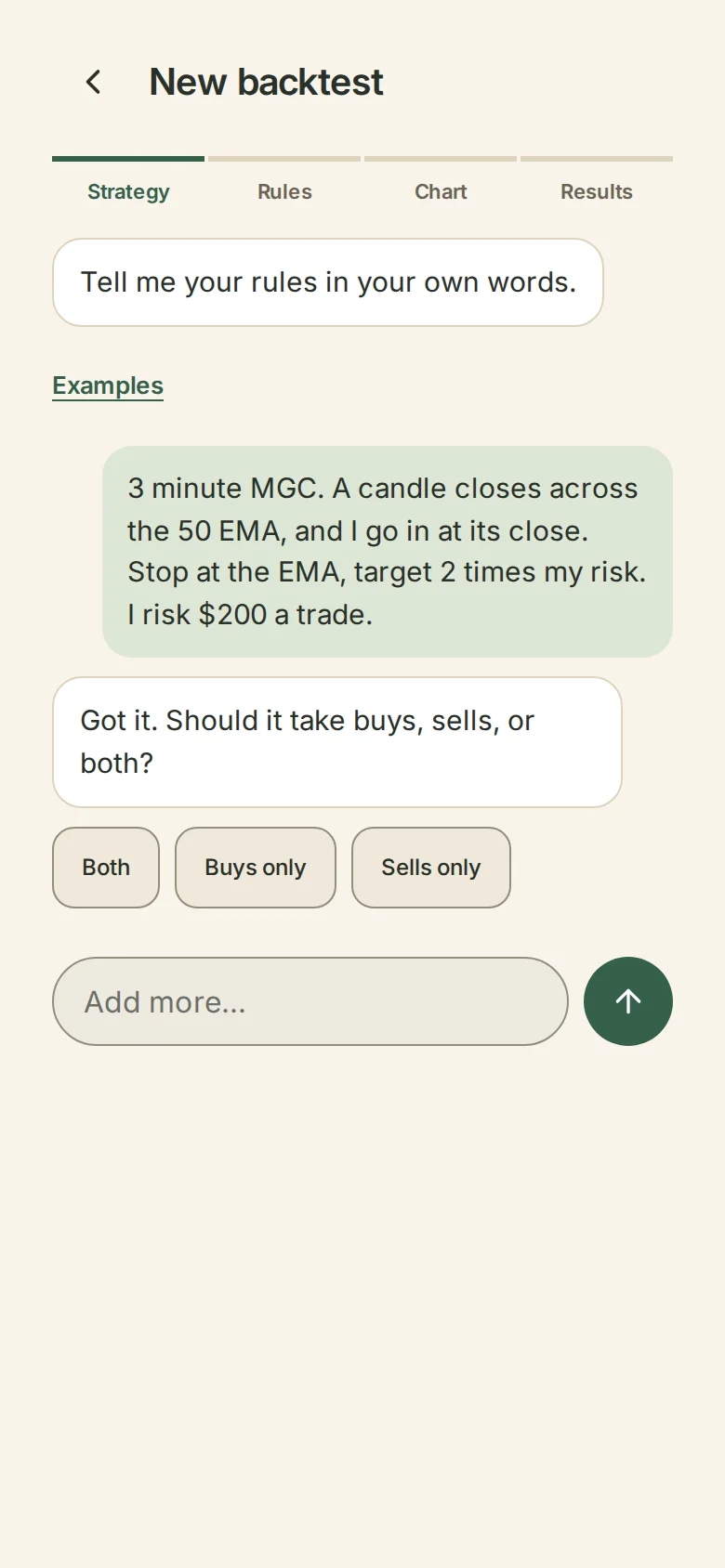
Wildflower’s Backtest doesn’t run a walk-forward test for you. You can do each round yourself: pick the dates of a build window, test and adjust your rules there, then run the same version, unchanged, on the dates just after it. Each result is saved with its version and its dates in My backtests. Compare two runs shows what changed between two versions of your rules, side by side. With the Trade or Automate subscription, Try a range runs your strategy across values you type and lays every run out in a grid. Nothing is marked or ranked. What you make of it is up to you.
Free on a practice chart
Common questions
What is walk-forward analysis?
Testing a strategy window by window: build and set the rules on one stretch of history, test them unchanged on the stretch after it, then move both windows on and repeat.
Is walk-forward testing the same as walk-forward optimisation?
Yes. Both names describe the same method. “Optimisation” refers to choosing the settings in each build window.
What’s the difference between rolling and anchored walk-forward?
A rolling build window keeps its length and slides forward. An anchored one always starts at the beginning of the history and grows. More above.
How long should the in-sample and out-of-sample windows be?
There’s no single rule. It depends on your timeframe, how often your rules trade and how much history you have. Many traders decide the lengths before looking at any results.
How many walk-forward rounds do I need?
There’s no fixed number. More rounds cover more history and more kinds of market, and give the joined test windows more trades.
Does a good walk-forward test mean a strategy will make money?
No. It tests the rules on history they weren’t fitted to. The future is still unseen, and live trading adds fills, slippage and fees.
Can I change my rules between rounds?
Only using the next build window. Changing the rules after seeing a test window turns that window into part of the build.
Does Wildflower’s Backtest do walk-forward testing?
Not automatically. You can run each round yourself by choosing the build and test dates, and your results are saved with their versions and dates.
Learn it step by step in Wildflower Trading School, starting with the lesson “Walk-forward testing”.