
Most changes are to the logic, not a number, so it helps to settle your rules here before you add the indicator to TradingView.
Change a rule
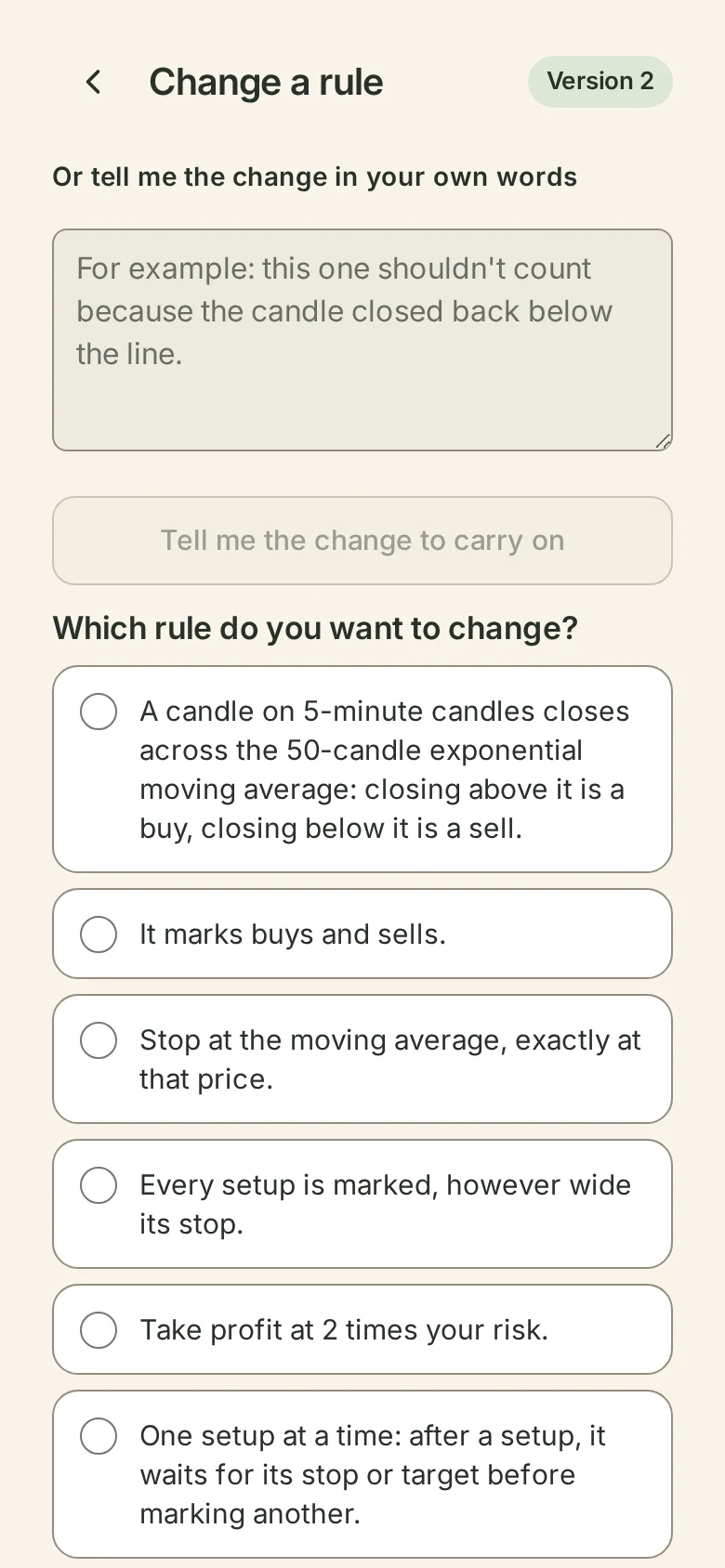
Choose Change a rule on the preview, Change beside a rule, Shouldn't be here on a setup, or I'd count this one on a candle. Pick the rule, then answer its question again. The field starts empty. If your new answer needs another detail, you're asked for it.
Or tell it the change in your own words, for example "this one shouldn't count because the candle closed back below the line". Wildflower works out which rule that changes and keeps your words with it. If the change needs a number you haven't typed, it asks you for it with the field empty. It never picks the new value for you.
The change is your next version, and it isn't kept until you say so. Wildflower shows what changed in plain words, and how many setups your chart had before and after.
See what it did
Choose See the difference on the chart. A card called Before and after this change shows the number of setups before and after, and how many were added and removed.
- Setups the change added are marked with a plus.
- Setups it removed are drawn hollow and crossed out, so you can tell them apart without relying on colour.
- Show on the chart has three buttons: All, Added and Removed. It opens on Removed.
- Previous and Next step through each changed setup, with its time. Each one shows its entry, stop and target, and says whether the new version added it or removed it.
Then choose Keep version 2, or Back to version 1 to drop the change. When you keep it, the preview says "Version 2 saved. Version 1 is kept in Versions.", with See versions.
Versions
All versions in My indicators lists every version you kept, newest first, with what changed in each. It shows which version is on TradingView and which one you're looking at. Go back to this one keeps a new version with that older version's rules, so going back to version 1 from version 2 makes version 3. No version is ever deleted, so you can always go back again.
A version on TradingView never changes by itself. It updates only when you add a newer one to TradingView.