
Set your Bot's limits before real money
Wildflower Trading School · Lesson 7.11.5.1 · This exercise needs a Trade subscription

This is the first of three lessons with one goal: a go-live checklist, every check before a real account goes on, in order. By the end of the three, you'll have the checklist written, and you'll have done every check in Wildflower. Today you write lines one to four, and set them on your accounts.
1 of 13
What you'll learn
- Write lines 1 to 4 of your go-live checklist before you touch the real account.
- Check your Risk per trade under Your limits. It caps what one trade can lose at its stop.
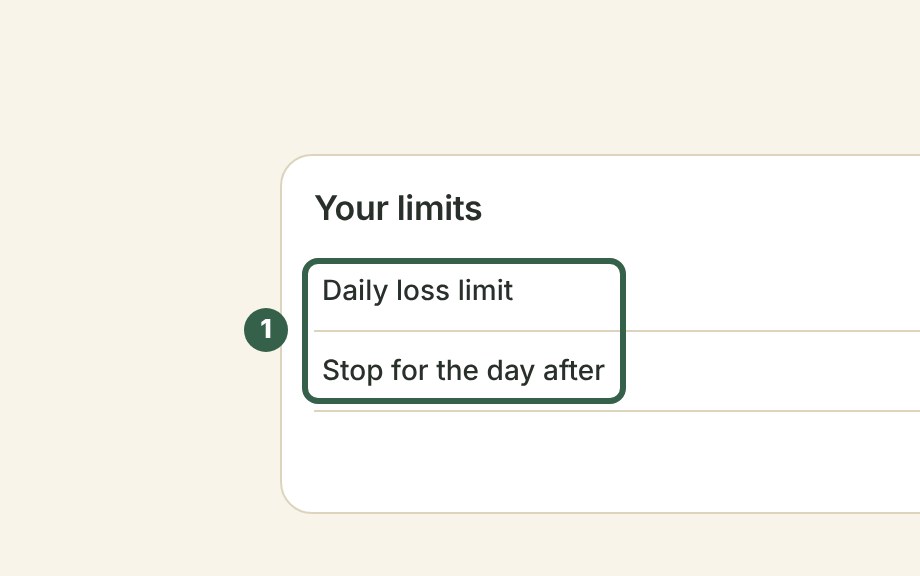
- Type a Daily loss limit as whole losses, because the open trade still runs to its stop.
- Set Max losing trades in a row, then press Save to account, on the demo and the real account.
- On a prop account, enter your firm's rules on the account's Firm rules card.
Exercise
- Choose Trade or Automate on Plans, and connect your broker in Connections, if you haven't.
- Write lines 1 to 4 of your go-live checklist. The eleven lines are above.
- Open your Wildflower demo in Accounts, press Set your limits, then Open limits.
- Check your Risk per trade, type your Daily loss limit and Max losing trades in a row, and press Save to account.
- Do the same on your real account in Accounts. On a prop account, press Enter your firm's rules and type your firm's limits.
- Help article Your daily safety limits
- Help article Risk per trade, and how sizing works
- Help article Halts: what stopped the day, and how to reset
Quick check
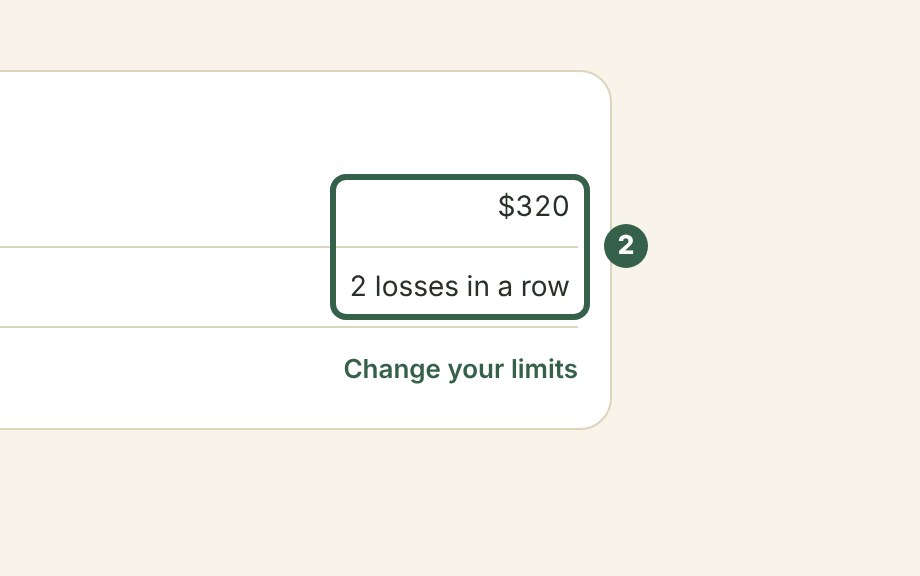
1. Sam's Daily loss limit is $320. He's down $300 and a trade is open. What happens to that trade?
2. Where does the Bot on a real account get its daily loss limit?
3. When does Stopped for the day clear?
0 of 3 answered.
Finished this lesson?
Tick it off and keep your place
Read the full notes
A Bot keeps trading on its worst day unless the account tells it when to stop. In Wildflower, you set the limits on the account itself. Open the account, press Set your limits, then Open limits. Check your Risk per trade, type a Daily loss limit and Max losing trades in a row, and press Save to account. Do it on your Wildflower demo and on the real account you'll switch on. When a limit is reached, the account stops new trades until 6 pm New York time.
What you're building. This is the first of three lessons with one goal: a go-live checklist, every check before a real account goes on, in order. Today you write lines 1 to 4 and set them on your accounts. Next lesson adds lines 5 to 8.
| My go-live checklist |
|---|
| 1. Risk per trade on the account: $ |
| 2. Daily loss limit on the account: $ (… full losses) |
| 3. Stop for the day after … losing trades in a row |
| 4. My firm's rules are on the account (prop accounts only) |
| 5. The Wildflower app is running, and the Bot page says Your computer: Connected |
| 6. How trades are placed: Auto, Ask me, or Ask me, then take it |
| 7. Tell me when: … losing trades in a row, and a day's loss of $… |
| 8. I've found Switch off, Pause and Stop everything |
| 9. The version that will run has its own backtest |
| 10. The demo ran that version for … weeks, and it says In line with its backtest |
| 11. If it says Worth a look, I will: … |
Why. Sam is made up, and so are his numbers. His account is $20,000 and a full loss costs him $160. With no limit, five full losses on one bad day would cost $800, 4% of his account. A Bot keeps trading on its worst day unless the account says stop, and a limit typed on a calm day is the one that holds on a bad one. More in Daily loss limits, Losing streaks happen and Kill switches and limits.
| Line | Sam writes | How he got it |
|---|---|---|
| 1. Risk per trade | $200 (1%) | 1% of $20,000. 4 micro gold × 40 ticks × $1 = $160 at the stop |
| 2. Daily loss limit | $320 (2 full losses) | 2 × $160 = $320, before fees |
| 3. Losing trades in a row | 2 | Two stops in a row, and the Bot is done for the day |
| 4. Firm's rules | Not a prop account | SAM-LIVE-1 is his own account |
Why 4 contracts. The Bot leaves room for slippage when it works out the size, so $200 at a 40-tick stop comes to 4 contracts, not 5. How traders pick a risk per trade is in Risk per trade.
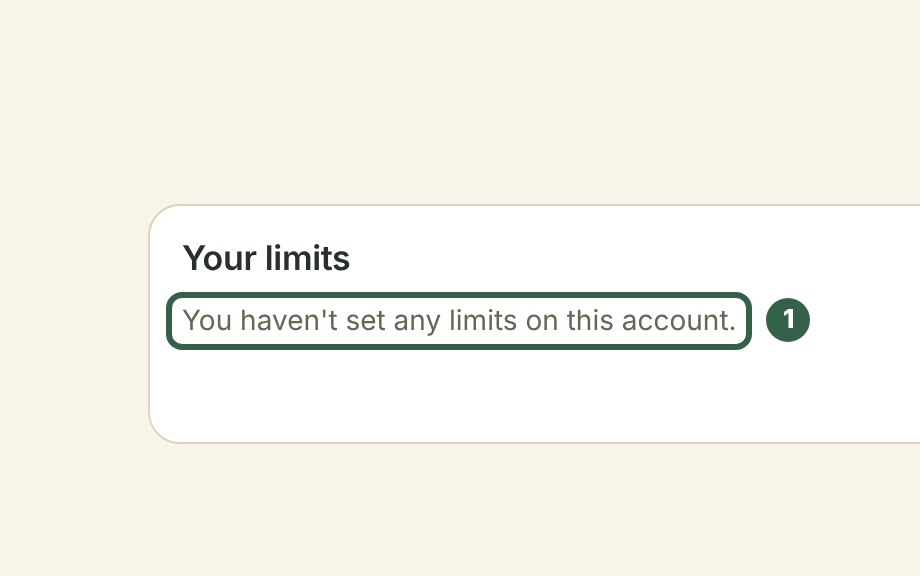
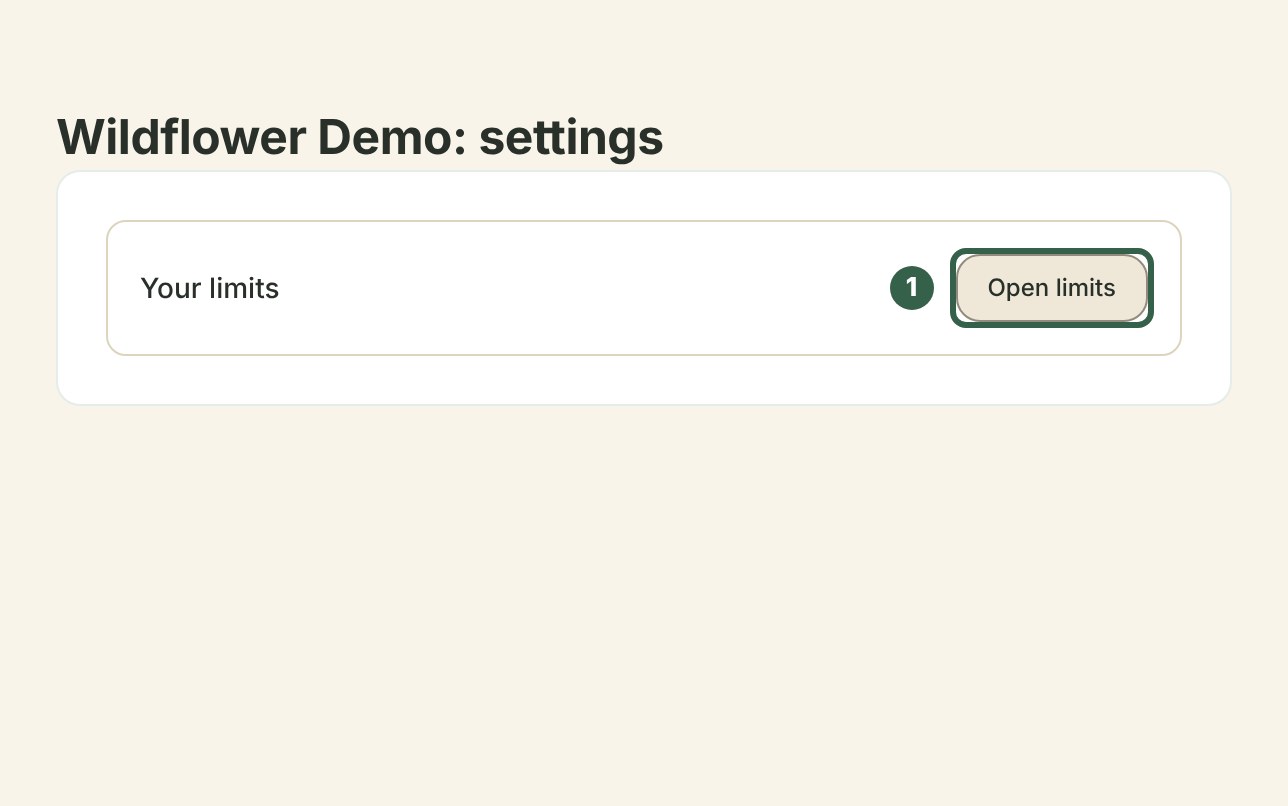
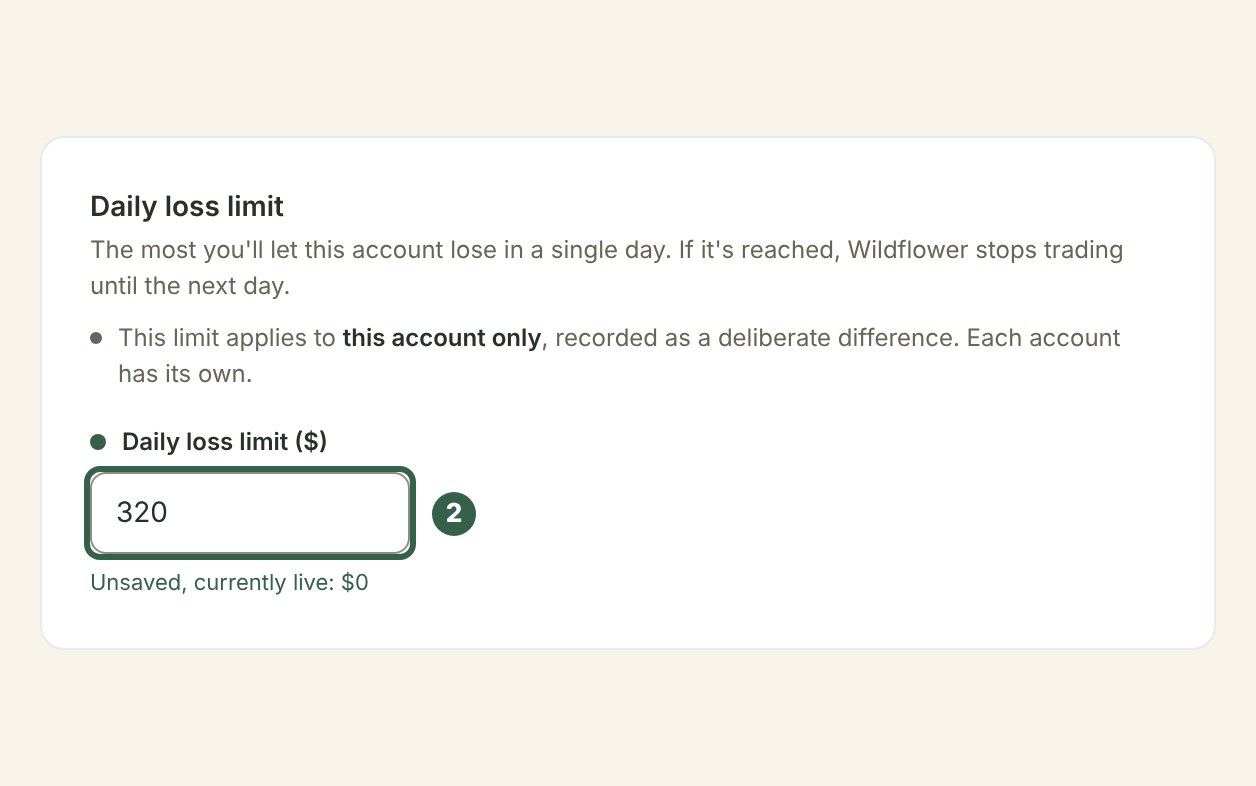
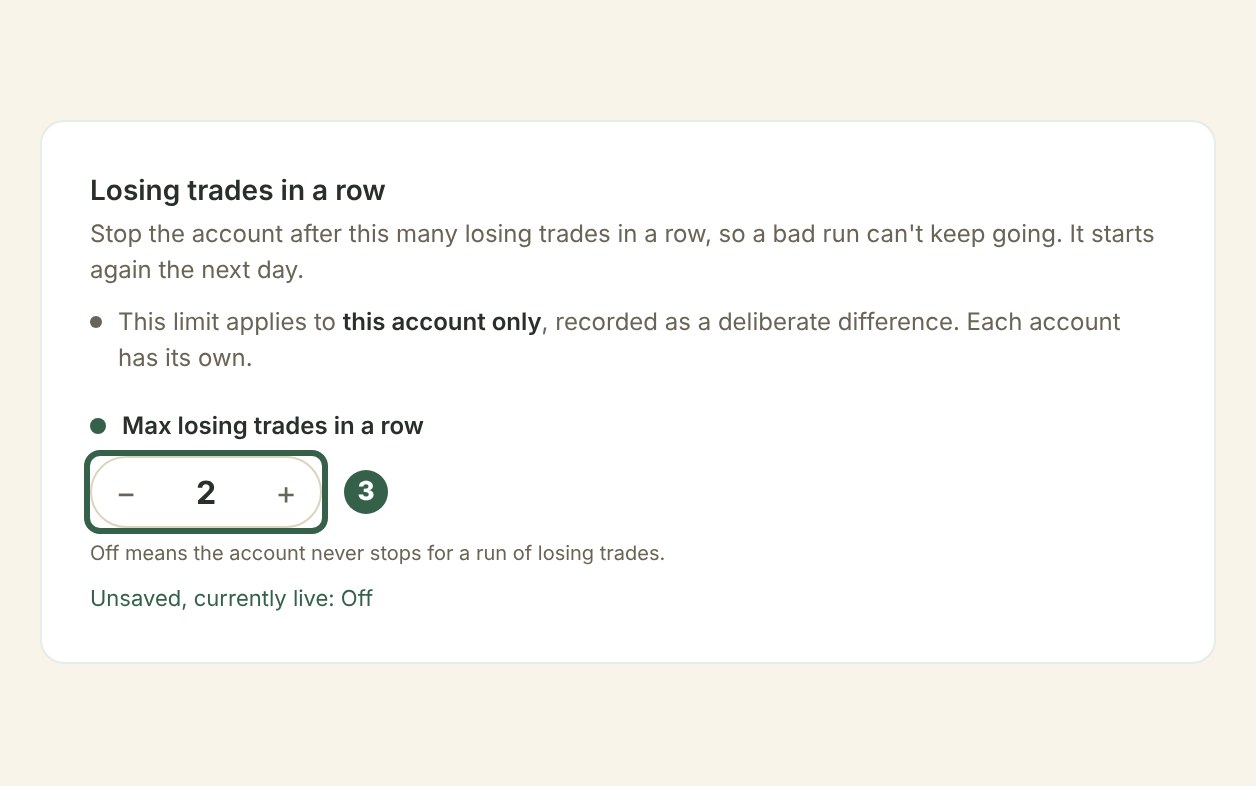
- Risk per trade is line 1. You set it when you first used the demo (Your first trades on the Wildflower demo), so check it's still yours. The Bot won't place a trade that could lose more at its stop.
- Daily loss limit ($) is line 2, counted after fees.
- Max losing trades in a row is line 3. Press + or −. Zero means off.
- Save to account saves them for this account only. Each account has its own.
- Do the same on your real account. Your limits saves while the account is switched off, so set them before it goes on.
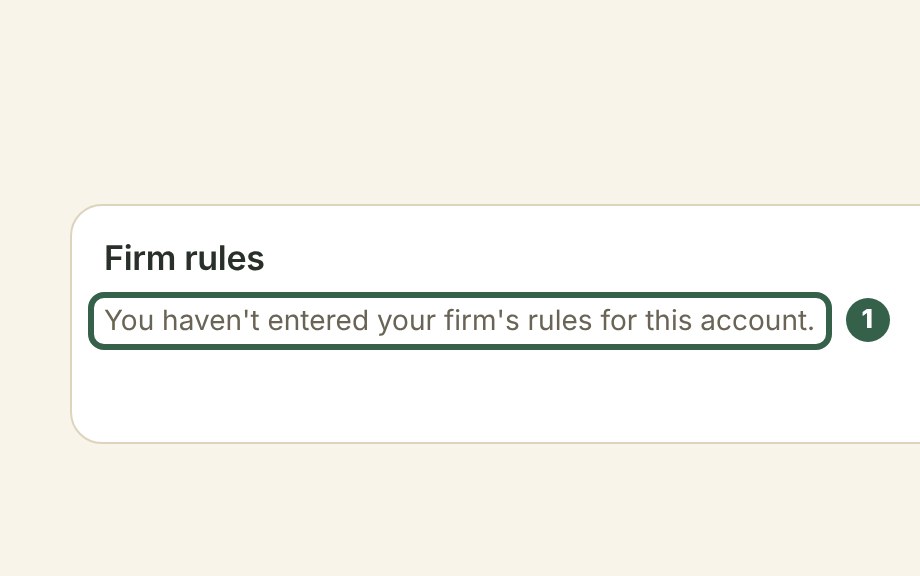
Your firm's rules. On an evaluation or funded account, the Firm rules card holds your firm's limits. They're enforced at the broker, apart from your own limits. Read your firm's rules on Bots first (Rules on automated trading), and how firms set daily limits is in Daily loss limits.
When a limit is reached. The account says Stopped for the day. The Bot takes no new trades on it, and a waiting entry order is cancelled. The open trade keeps its stop and target, so a day can end up to one full loss past the limit, plus slippage. It clears when the trading day ends, at 6 pm New York time. Today's rules is different: it's for an account you trade yourself, and it closes what's open.
How traders pick their limits. We can't tell you which to choose. These are the common choices. Daily loss limit: two or three full losses, a percent of the account, or on a prop account the firm's daily limit less one full loss. Losing trades in a row: 2 or 3, or off with only the dollar limit. The demo: the same limits as the real account, or none, to see the strategy's full worst day.
Connecting a broker, and the demo on it, come with the Trade subscription (Connect your broker to Wildflower). No broker? The free demo on your practice chart has no Your limits. It runs your strategy's own Daily limits (Change a rule, then Daily limits), and its card on Charts has Switch off.
Worked example
Made-up numbersSam's lines 1 to 4
Sam is made up. Account $20,000. Micro gold, $1 a tick for each contract. His strategy's stop is 40 ticks.
- Risk per trade: 1% of $20,000 = $200.
- Size: the Bot leaves room for slippage, so $200 at 40 ticks comes to 4 contracts. 4 × 40 × $1 = $160 at the stop.
- Daily loss limit: 2 × $160 = $320, before fees. With fees two full losses come to a bit more, so the day stops on the second one.
- Losing trades in a row: 2. Line 4 doesn't apply, because SAM-LIVE-1 isn't a prop account.
Risk per trade $200, Daily loss limit $320 and Max losing trades in a row 2, saved on the Wildflower Demo and on SAM-LIVE-1.
Trading is risky. You can lose money. This lesson shows how Wildflower works. It isn't advice.